What it does
Follows a table’s order from the first welcome to the final bill: order entry, the kitchen handoff and closing the check. Customers can also place and track orders online.
See the features
Launching soon
RESTAURANT POINT OF SALE, REIMAGINED
From the first order to the final bill. NEXPLATE is a restaurant POS built around the rhythm of service.
NEXPLATE is launching soon. Launch timing and availability will be announced when confirmed.
Scroll to follow an order ↓
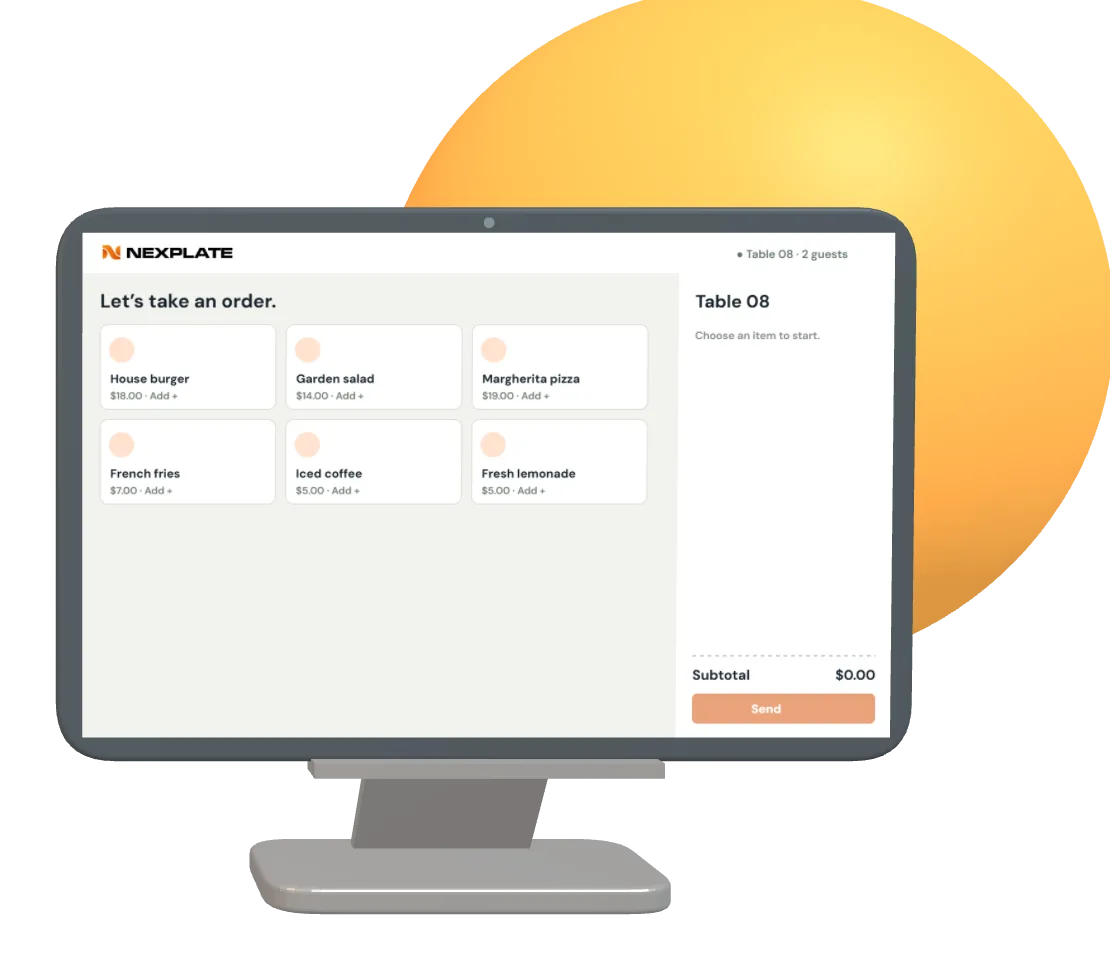
01 / TAKE THE ORDER
This sample screen shows how an order can build as items are added to Table 08. Scroll to watch it come together.

02 / THE HANDOFF
In this illustration, a ticket travels from the order screen to a kitchen display so the kitchen can see what to prepare.

03 / CLOSING THE CHECK
This simplified example follows a check from the amount remaining, to cash received, to paid in full.

ONE CONNECTED SYSTEM
MAKE ROOM FOR BETTER SERVICE
PRODUCT PREVIEW
Illustrative sample screens that follow one table through service. Amounts are a simplified example.
ABOUT NEXPLATE
NEXPLATE is a restaurant point-of-sale (POS) system from AK Vision Systems, built around the way restaurants run service: taking orders, handing them to the kitchen and closing the bill.
Follows a table’s order from the first welcome to the final bill: order entry, the kitchen handoff and closing the check. Customers can also place and track orders online.
See the featuresFull-service restaurants, pubs and bars, and cafés and quick-service counters.
See restaurant typesPricing depends on your locations, stations and requirements. Create a setup brief for your restaurant to get started.
Plan your setup · See pricingQUESTIONS
NEXPLATE is a restaurant point-of-sale (POS) system from AK Vision Systems, built around the way restaurants run service: taking orders, handing them to the kitchen and closing the bill.
NEXPLATE is launching soon. Launch timing and availability will be announced when confirmed.
Yes. NEXPLATE includes online ordering, so customers can place an order from a web page and track it.
Full-service restaurants, pubs and bars, and cafés and quick-service counters.
Pricing depends on your locations, stations and requirements.
Yes. Try the sample order screen on the Platform page, then create a setup brief for your restaurant.